Why Is My Paper Trading Order Stuck on Submitted?
Before clicking submit again, trace the original order. Check its price, market data, status, and position records to find the next useful step.
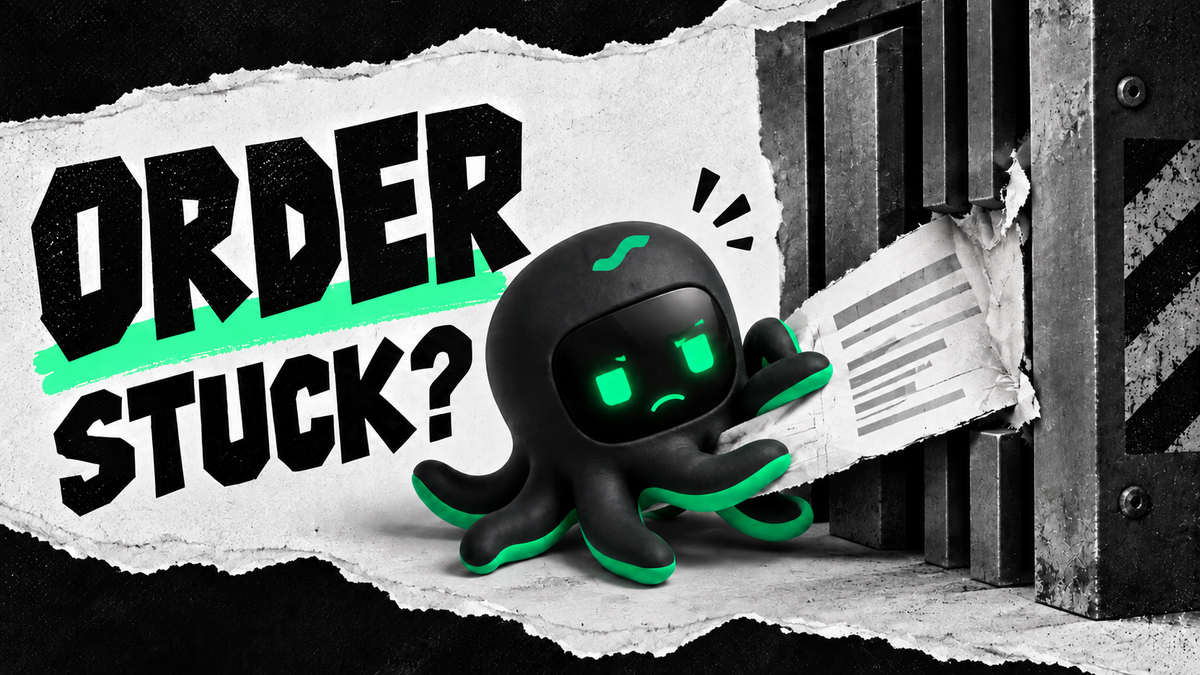
A paper order stuck on “Submitted” is not automatically broken—and not automatically waiting normally. That label does not tell you whether the price is available, fresh market data is arriving, or a fill was reported. Follow one order through those steps before submitting another. Otherwise, the first mystery may turn into two orders.
If the price is wrong, waiting longer does not fix it
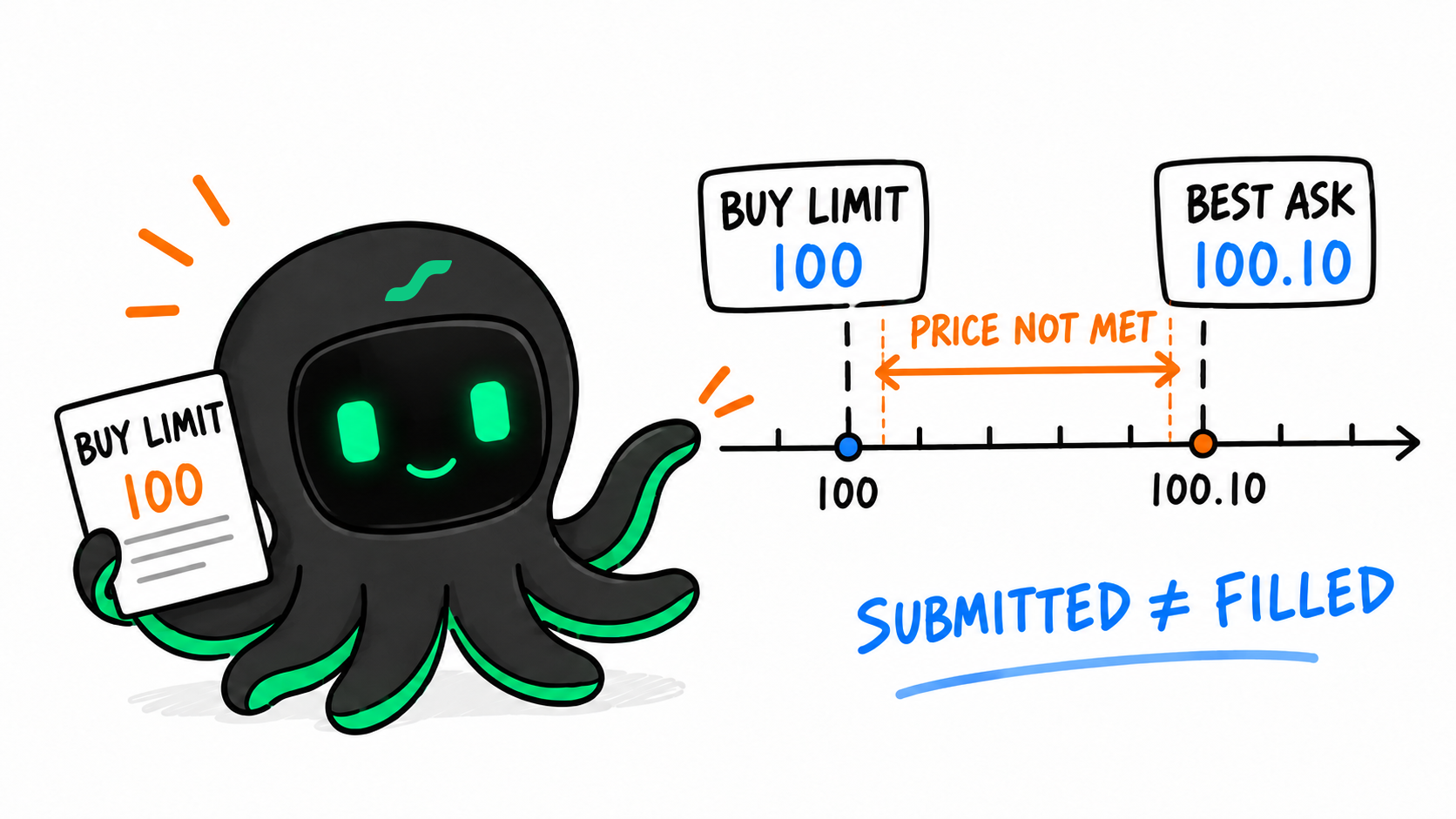
A buy limit sets the most you are willing to pay. If the seller still wants more, no fill is unsurprising. You offer 100; the seller wants 100.10. Refreshing the page does not negotiate the difference.
| Buy limit | Displayed best ask | First check |
|---|---|---|
| 100 | 100.10 | The price condition has not been met |
| 100 | 99.90 | Quote freshness, available size, order conditions, and fill rules |
The second row still does not guarantee a fill. The quote may be stale, available size may be insufficient, and the simulator has its own execution rules. A limit order controls the acceptable price; it does not guarantee execution. Order-type reference
If the quote looks executable, what do you check next?
Fix the run ID, order ID, and time window first. A quote from one moment cannot explain an order at another. More detail is not useful if it belongs to a different trade.
- Is the order correct? Check instrument, side, quantity, limit, time in force, and special conditions. “Submitted” can mean different things in different systems.
- Is market data still arriving? Check the timestamp, not just the price. An old quote on screen is not a current opportunity.
- Was the order accepted? Inspect status changes and errors. Rejection, waiting for a trigger, partial execution, and no new events are different cases.
- Have fills or positions changed? If a fill already exists but the page still shows the old status, investigate reporting and display before placing another order.
Query the original order before resubmitting it. A slow system is an especially bad place to assume the first click did nothing.
Why can paper fills differ from live fills?
A simulator uses a model. Queue position, available size, and partial fills may differ from the real market. Brokers document differences in their own paper environments. Paper versus live trading
That still makes paper trading useful for checking the order workflow: what the strategy sent, how the system handled it, and whether the records agree. A simulated fill answers a question about that process, not every question about real execution.
How do you keep the investigation tied to one paper order?
Manual troubleshooting often means juggling a strategy log, an order screen, and a quote that has already moved. The useful evidence is not more screenshots. It is records you can match to the same order.
Use EdgePilot Live to review the records available for a supported paper or exchange demo run. Keep the environment explicit: a trading node running locally can still connect to an exchange test environment. Reviewing the same run turns a vague “Why did it not fill?” into a specific sequence to investigate.
- Install and enable EdgePilot Live through the official guide, then choose a supported strategy and configuration.
- Use a supported paper or exchange demo environment and keep the run ID, order ID, and relevant time window.
- Ask about that order, then check its status, fills, and positions in the corresponding run.
| You provide | Use Live to | Then inspect |
|---|---|---|
| Strategy and market configuration | Review a supported paper or demo run | Whether the expected order was generated |
| Run and order IDs | Find the corresponding run material | Status changes and errors |
| Market, fill, and position records | Review the material in conversation | Price conditions, matching, or reporting |
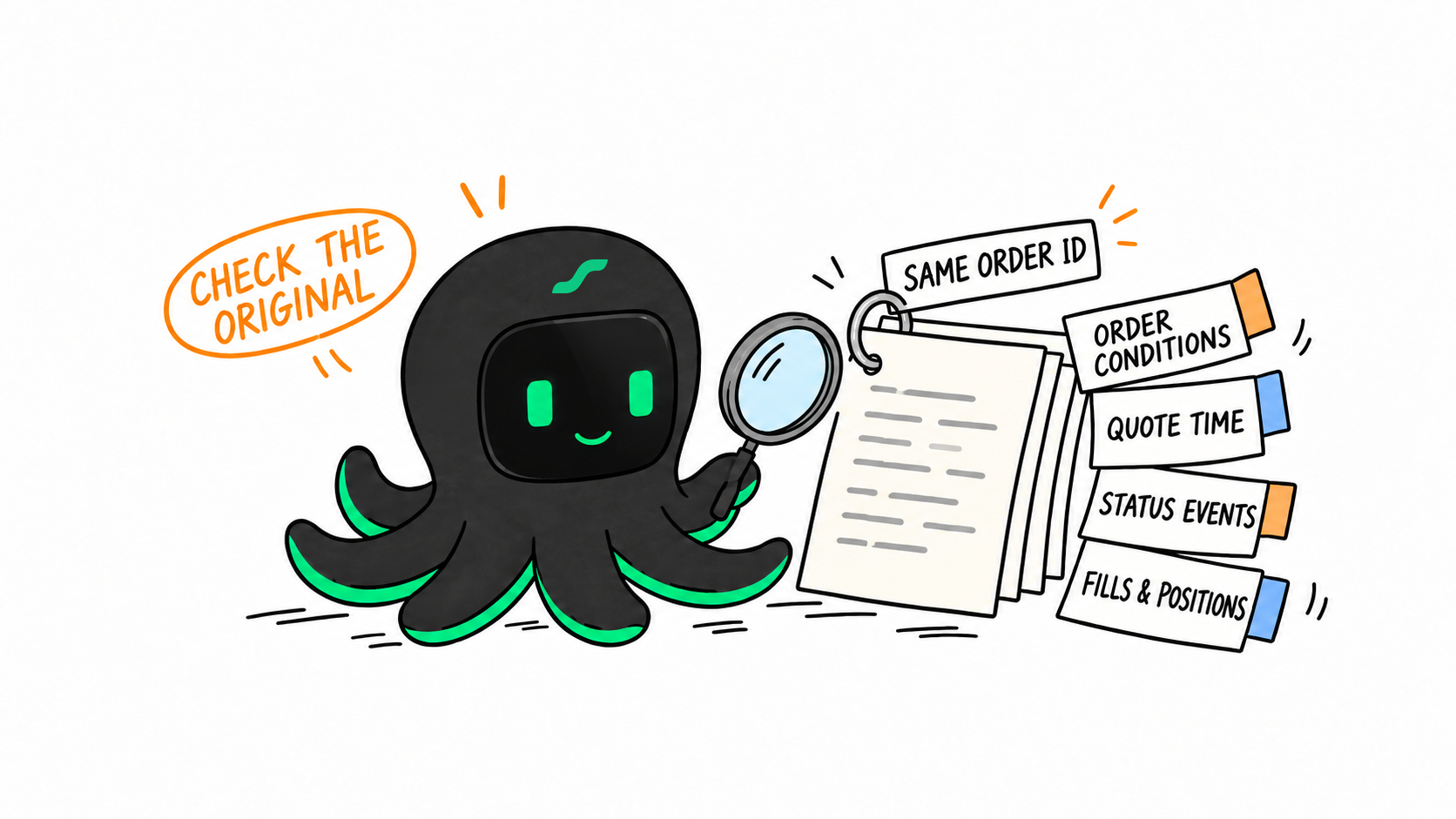
With the actual run records attached, ask:
Use EdgePilot Live to inspect this order in my local paper run. Why does it still show “Submitted” without a fill? First check the order conditions, market data for the same time window, and the order, fill, and position records. Then explain what I should investigate next.
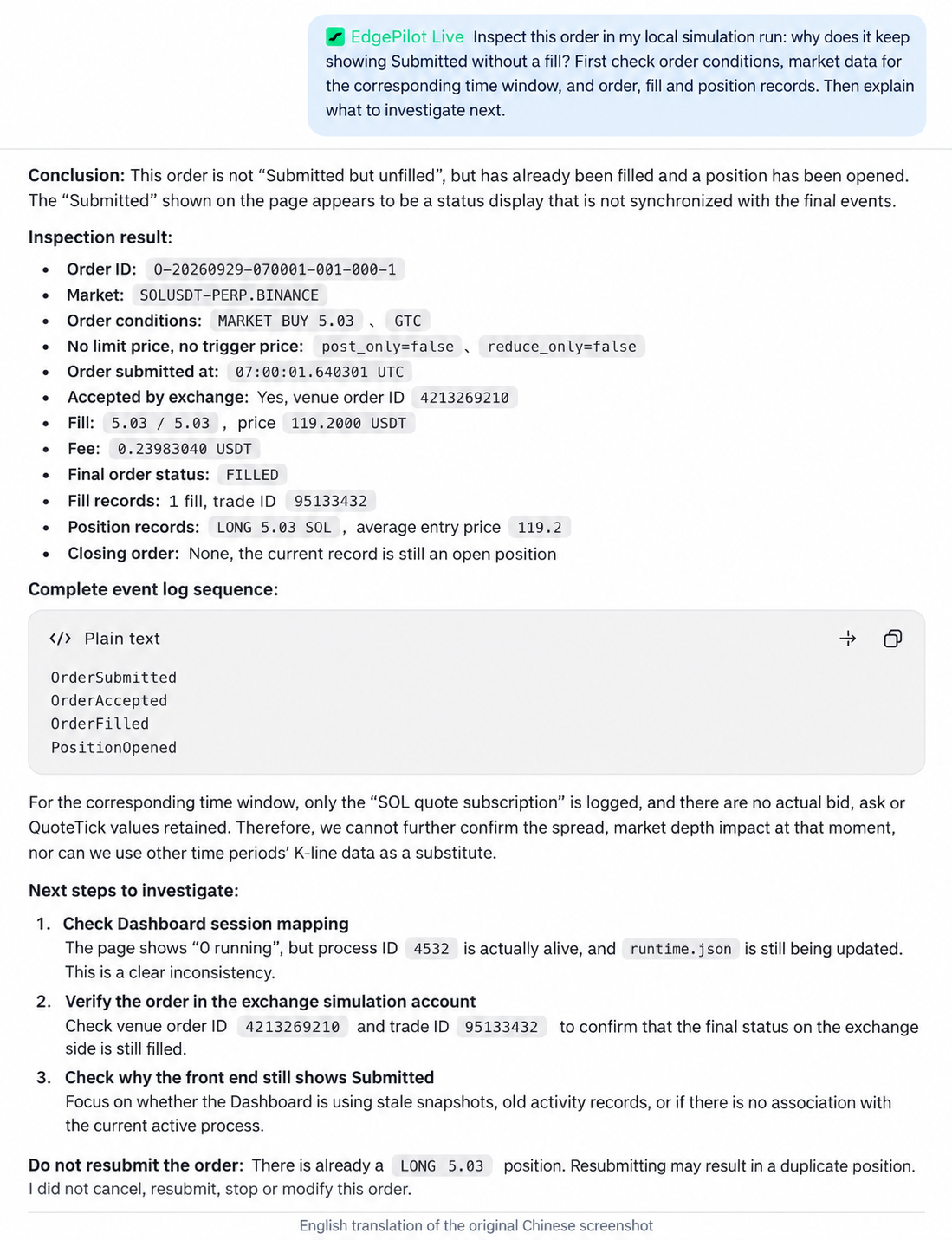
Check the same run and order mentioned in the response. In this example, the records show OrderSubmitted → OrderAccepted → OrderFilled → PositionOpened. A stale Submitted label does not override the recorded fill. The screenshot also lacks saved bid/ask quotes, so it cannot establish the spread or market depth at submission. Each explanation should lead back to a record before you consider another order.
Fix the clearest problem first
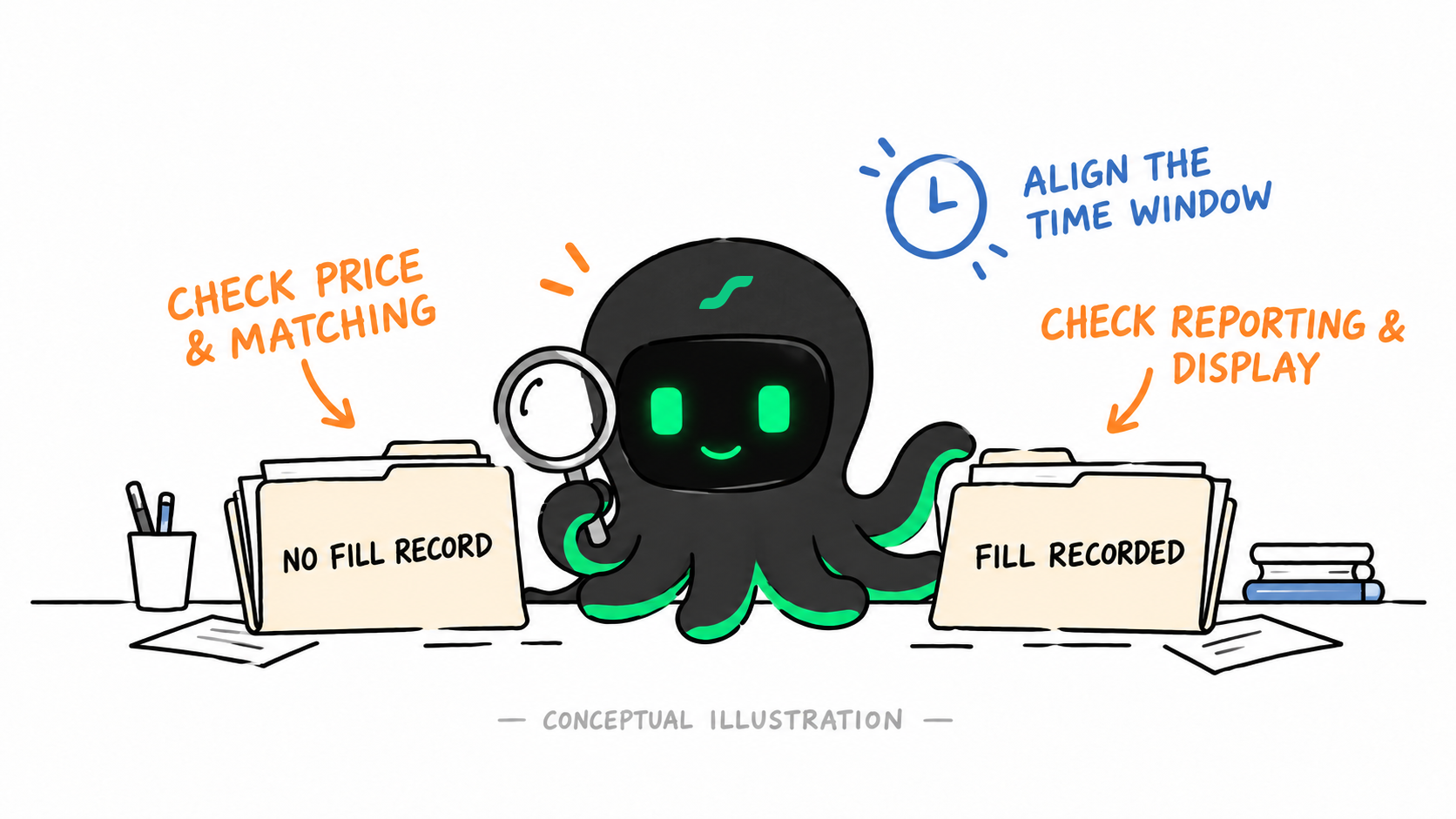
If the price condition was never met, review the order. If data stopped updating, check the connection. If a fill exists but the page is stale, inspect reporting. Changing price, parameters, and code together makes the cause harder to identify.
Have a paper order that is stuck right now? Save its ID and time window, then trace that order with EdgePilot Live. Understand the first order before deciding whether you need a second.
Sources
For software testing and trading education, not investment advice. Simulated and exchange demo fills are not real-market executions.